
請在下方選擇您擁有的產品類型,以便了解如何連接到智慧照明系統。
Philips Hue 產品設定指引
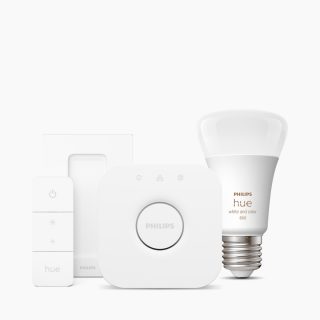
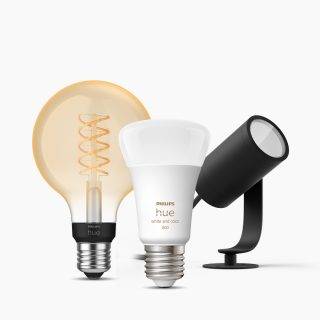
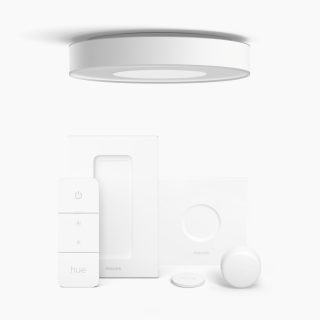
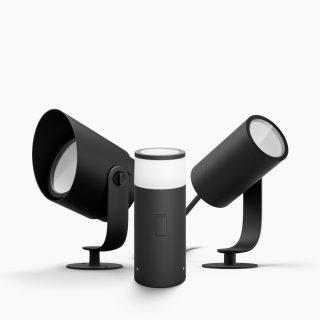
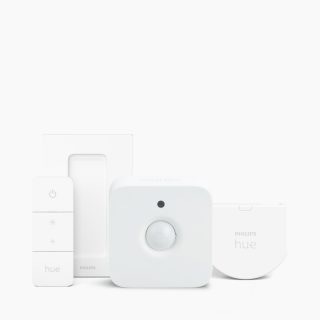
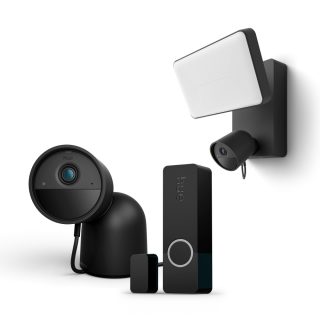
FAQs
How do I add my Philips Hue device using a QR code?
How do I add my Philips Hue device using a QR code?
Where can I find the QR codes on my Philips Hue devices?
Where can I find the QR codes on my Philips Hue devices?
I can't find the QR code on my device. What should I do?
I can't find the QR code on my device. What should I do?
Can I scan multiple devices' QR codes to add them all to my Bridge at once?
Can I scan multiple devices' QR codes to add them all to my Bridge at once?
Can I add multiple devices for multiple Rooms by scanning their QR codes?
Can I add multiple devices for multiple Rooms by scanning their QR codes?
I can't scan the QR code. What should I do?
I can't scan the QR code. What should I do?
Can I scan the QR code on an older Philips Hue device to add it to my Bridge?
Can I scan the QR code on an older Philips Hue device to add it to my Bridge?
Do I need an internet connection to add devices to my Bridge by scanning their QR codes?
Do I need an internet connection to add devices to my Bridge by scanning their QR codes?
Can I scan a QR code on a Philips Hue device to add it to my system if I don't have a Hue Bridge?
Can I scan a QR code on a Philips Hue device to add it to my system if I don't have a Hue Bridge?
Can I add a product that's already been set up by scanning its QR code?
Can I add a product that's already been set up by scanning its QR code?
聯絡我們
我們隨時樂意為您提供協助!